You can help support this website by buying me a coffee!

In this example, we'll be using the Digicert certificate utility to create a CSR to get a certificate for a test Exchange server in our home lab.
Download the Digicert Certificate Utility
https://www.digicert.com/util
Extract the zip file and run DigiCertUtil.exe

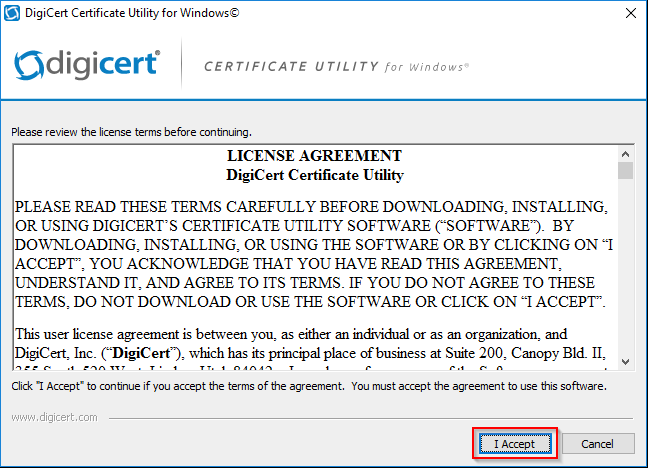
Accept the license agreement
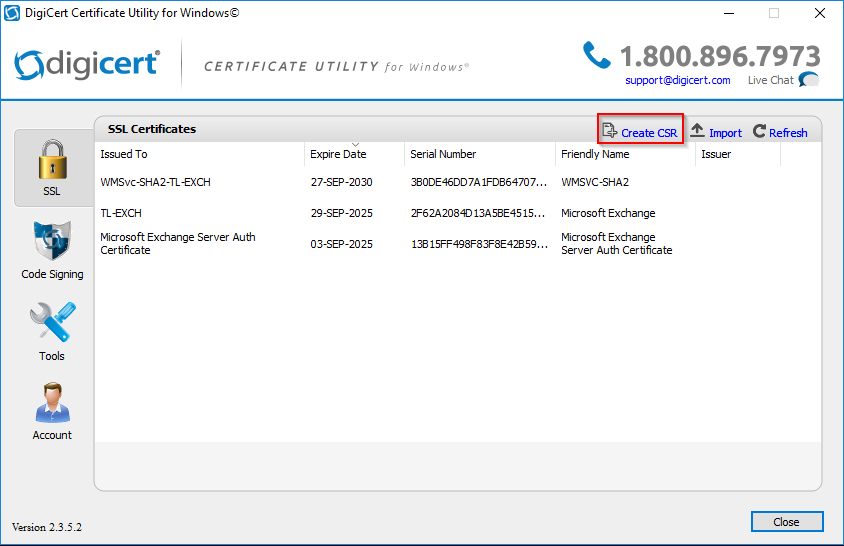
Create CSR
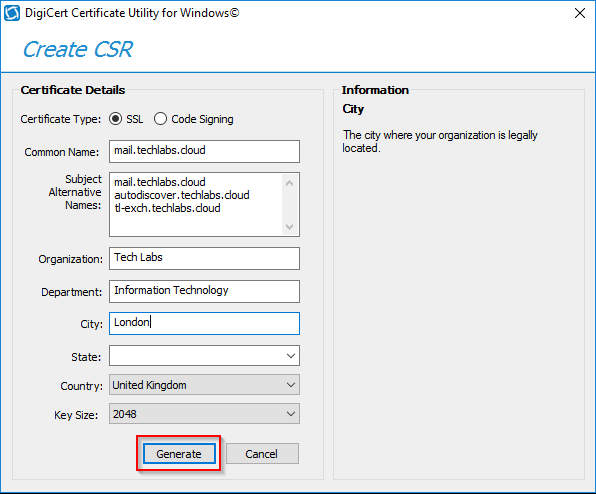
Enter the details for your certificate
Certificate Type: SSL
Common name: mail.techlabs.cloud
Subject Alternative Names:
mail.techlabs.cloud
autodiscover.techlabs.cloud
tl-exch.techlabs.cloud
Organization: Tech Labs
Department: Information Technology
City: London
Country: United Kingdom
After you've entered the details for the certificate - click Generate
Save to file


Comments