You can help support this website by buying me a coffee!

How to disable the "Welcome to Adobe Acrobat" message in Adobe Acrobat DC Pro using Registry value "bToggleFTE"
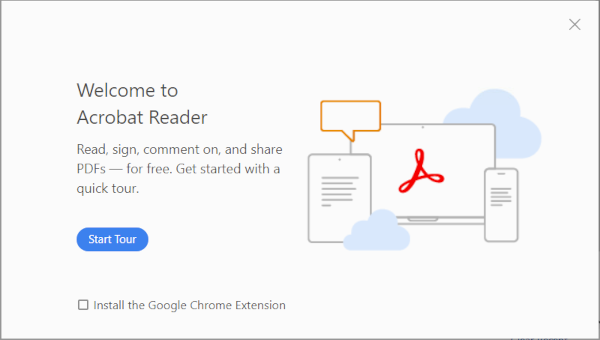
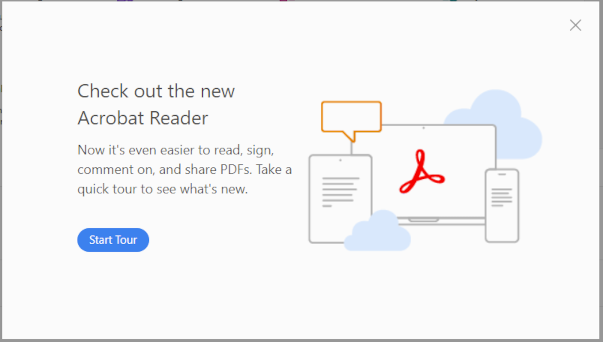
You will get these "Welcome" messages when you first open Acrobat Pro or Acrobat Reader
Welcome to Acrobat Reader
Check out the new Acrobat Reader
Add the following registry value to disable the "Welcome to Adobe Acrobat" message
HKLM
SOFTWARE\WOW6432Node\Policies\Adobe\Adobe Acrobat\DC\FeatureLockDown
bToggleFTE
REG_DWORD
1
Reference:
by Author
Adobe FeatureLockDown (Lockable Settings)
https://www.adobe.com/devnet-docs/acrobatetk/tools/PrefRef/Windows/FeatureLockDown.html
Comments