You can help support this website by buying me a coffee!

Canon imageRUNNER Advance scan to email settings for SMTP, port 587 with TLS
This example is for setting up scan to email on a Canon imageRUNNER Advance copier using SMTP with a SendGrid API key
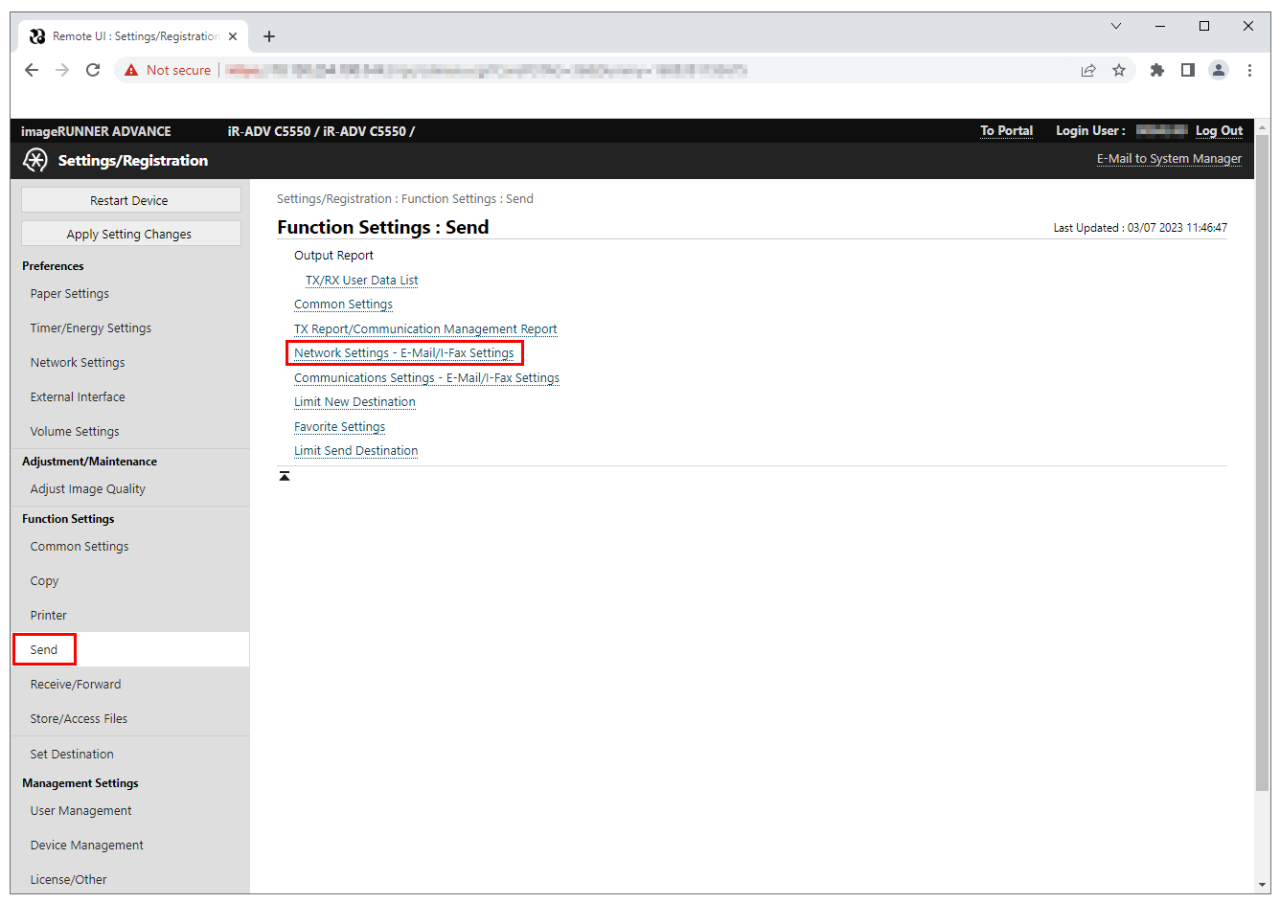
Settings/Registration

Function Settings: Send
Network Settings - E-Mail/I-Fax Settings
Tick SMTP RX
SMTP server: smtp.sendgrid.net
Email address: scanner@yourdomain.com
SMTP TX: 587
Allow TLS (SMTP TX): Ticked
Use SMTP authentication (SMTP Auth): Ticked
Username: apikey
Change Password: ticked
Password: SECRET-KEY
Allow TLS (SMTP RX) Always TLS

Settings/Registration : Function Settings : Send > Network Settings - E-Mail/I-Fax Settings
Click Check SMTP connection to test the settings


Status Monitor/Cancel : Send : Job Log

Canon imageRUNNER ADVANCE - List of Error codes
https://oip.manual.canon/USRMA-0312-zz-CS-enGB/contents/1T0002910536.html
Could not send to a domain that is not registered as an allowed domain, because [Allow MDN Not via Server] is set to 'On'.
Set [Allow MDN Not via Server] to 'Off', or register the domain as an allowed domain, and try to send again. (See "Restricting the Domains to Which E-mail/I-Fax Documents Can Be Sent.")
Settings/Registration : Function Settings : Send > Limit New Destination
Add your email domain to permitted domains

A timeout error occurred while the machine was communicating with the SMTP server to send an e-mail message or send/receive an I-fax.
Settings/Registration : Function Settings : Send > Network Settings - E-Mail/I-Fax Settings
Check the email address is a valid mailbox in your domain
Check the smtp server name, port and TLS settings are correct
Check the smtp server username and password are correct
Tick change password and re-enter the password
Comments 1
I don't see port numbers section, do I need new firmware?